
How Warehouse Automation Works
AGV or AMR, reflectors or SLAM, stand-alone or linked to your WMS. A plain-English guide to how EP's robots find their way, stay safe around people and get installed on your site.
Or call 01 5267 411 (ROI) · 028 3833 7038 (NI)
- Demo warehouse in NavanSee it before you buy
- Exclusive EP dealerAll of Ireland & NI
- Live in about 4 weeksInstalled in a day
- Local engineersNavan & Portadown depots
AGV or AMR?
Both are driverless trucks. The difference is how they find their way, and that decides how flexible they are.
Automated guided vehicle
- Follows a fixed, taught route
- Uses reference points: reflectors, visual markers, tape or QR codes
- Simple, predictable and quick to set up
- EP examples: EXP15, XP15, XPMM
Autonomous mobile robot
- Builds a map of the building and plans its own path
- Navigates with SLAM, lidar and 3D vision
- Drives around obstacles and takes jobs from software
- EP examples: XQE122, XNA121, XPL201
How EP robots find their way
| Navigation | EP models | How it works | Best for | Price (ex VAT) |
|---|---|---|---|---|
| 2D visual | EXP15 | Taught route; the truck recognises its surroundings | Simple loops, no fitting | |
| Star guidance (ceiling reflectors) | XP15, XPMM | Small reflectors fixed to the roof act as reference points | Fixed routes, any floor, indoor and out | |
| 3D SLAM | XQE122, XPL201 | Lidar maps the building; the truck localises itself as it drives | Changing layouts, stacking, busy areas | |
| 3D SLAM + QR codes | XNA121 | SLAM with QR codes for millimetre positioning | Narrow aisles and high racking |
Three ways to run a route
EP says these three task modes cover almost every pallet transport job.
Sushi bar
A continuous loop past set stations. Load or unload as it passes.
Bus stop
A fixed route with set stops, waiting at each until it is told to go on.
Taxi
One destination on demand, chosen on a keypad or called with a call box.
Ways to give a robot its job
Teach-in
Drive the route once and mark the stops.
Keypad
Pick a destination on the truck.
Call box
A button at the workstation calls the truck.
App
Set up and monitor tasks by Bluetooth app.
Doors and lifts
Machine-to-machine signals to fast doors, lifts and roller beds.
WMS / ERP
Jobs sent from your warehouse system through EP DAS.
Safe around people and forklifts
EP robots are built for mixed traffic: shared aisles with people, forklifts and pallet trucks.
Laser scanners
Safety lidars slow the truck when something enters its field and stop it before contact. The XP15 uses dual laser protection, and autonomous models split detection into several safety zones.
Manual override
X-Mover trucks are co-bots. Take the tiller and the truck becomes a normal pallet truck, then send it back to work.
Standards and CE marking
Driverless industrial trucks are machinery and carry CE marking. The main safety standard for them is ISO 3691-4 (EN ISO 3691-4). Ask us for the declaration of conformity for any model.
Your site rules
We set speeds, stop zones and routes for your layout, mark crossings where needed and train your team before go-live.
Three levels. One path that grows with you.
You don't need to automate the whole site on day one. Start at level 1 with one robot on one route, and move up when it pays.
Offline automatic trucks
Stand-alone trucks you teach and run from a keypad, call box or app.
- No Wi-Fi or IT involvement
- Running in a day
- EXP15, XP15, XPMM
Autonomous made simple
Trucks that find their own way with SLAM and 3D vision, and talk to each other and your building.
- SLAM navigation and 3D vision
- Traffic control and call boxes
- WMS integration
Integrated material flow
Trucks, stock and data run as one system with EP's Digital Autonomous System (DAS).
- Links to your WMS and ERP
- VDA 5050 compatible
- 3D digital twin of your site
Four questions to ask about your site
The right first step is rarely "buy a robot". It is understanding how pallets move on your site. Ask yourself:
- Which routes are the most repetitive?
- Where do delays happen?
- Which moves hold up throughput?
- Where is time lost to walking and driving pallets?
Then pick one route and run a pilot with clear measures: time saved per shift, less manual handling, steadier line feeding or more on-time dispatch. That is how we run every project.
Get help picking a route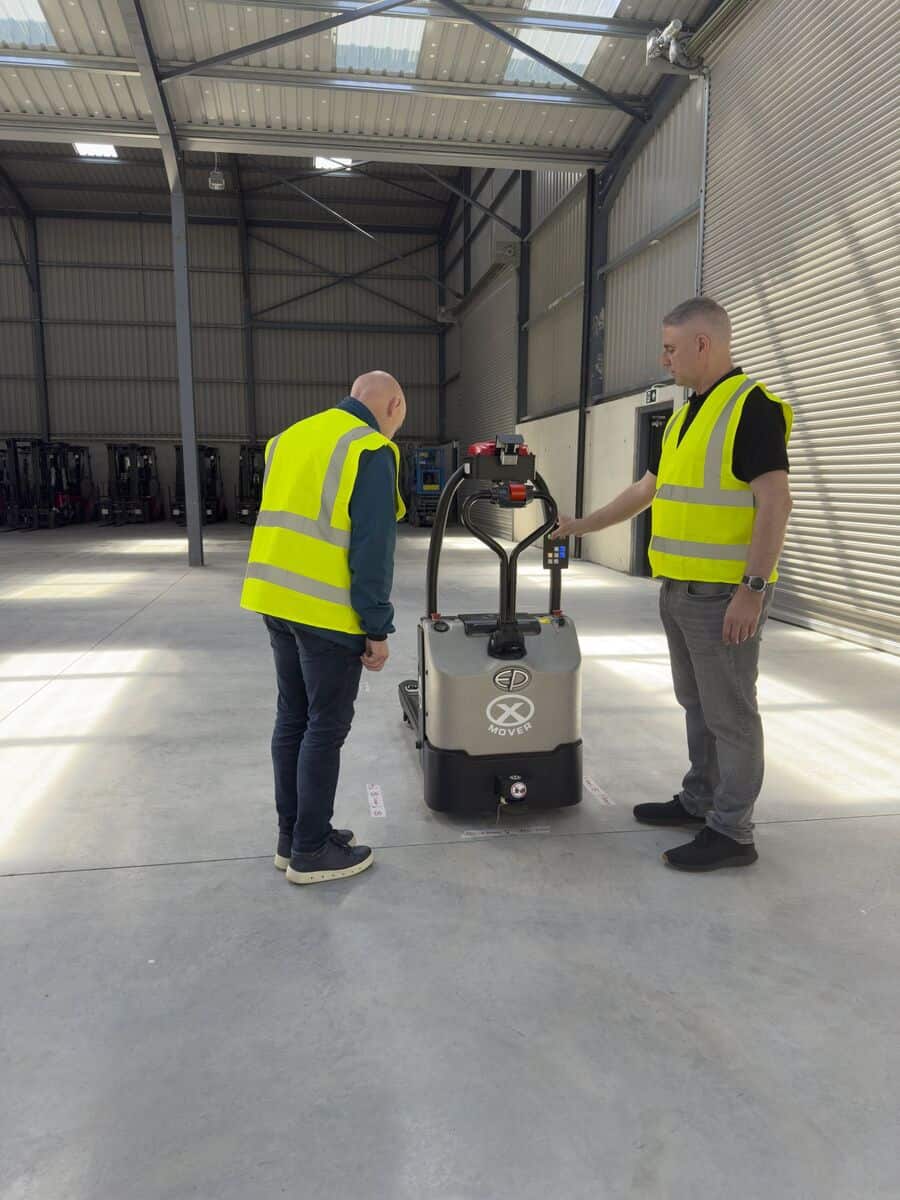
From first call to robot running in about four weeks
Most of our deployments go live in around four weeks. A standard one-task set-up is installed, programmed, tested and handed over in one day, with minimal downtime for your team.
- Day 1
Call & demo
A 15-minute call about your routes, then a demo in our Navan automation centre if you want one.
- Week 1
Site survey
We walk your site, or you send a walkthrough video and a few drawings. We map the routes worth automating.
- Week 1-2
Scope & proof
We agree the task, the success measures and a proof of concept, and fix your install date within 48 hours of the go-ahead.
- Week 2-3
Delivery from stock
Your EP robot ships from European stock and arrives in about a week.
- Week 3-4
Install & support
Installed, programmed, tested and your team trained in a day. Then Clearlift support, and more routes when you want them.
We know your transport steps
Every warehouse and factory moves pallets through the same handful of steps. Tap a step to see the job, how a robot does it and the EP machine we'd usually suggest.
Step 1 of 7
Goods in to storage
The job
Unloaded pallets taken from the dock to staging, block stacks or the racking.
How the robot does it
Operator lifts at the dock, presses go; the robot drops in rows with column loading and returns.
Machines we'd suggest
Goods in to storage: see how we automate it →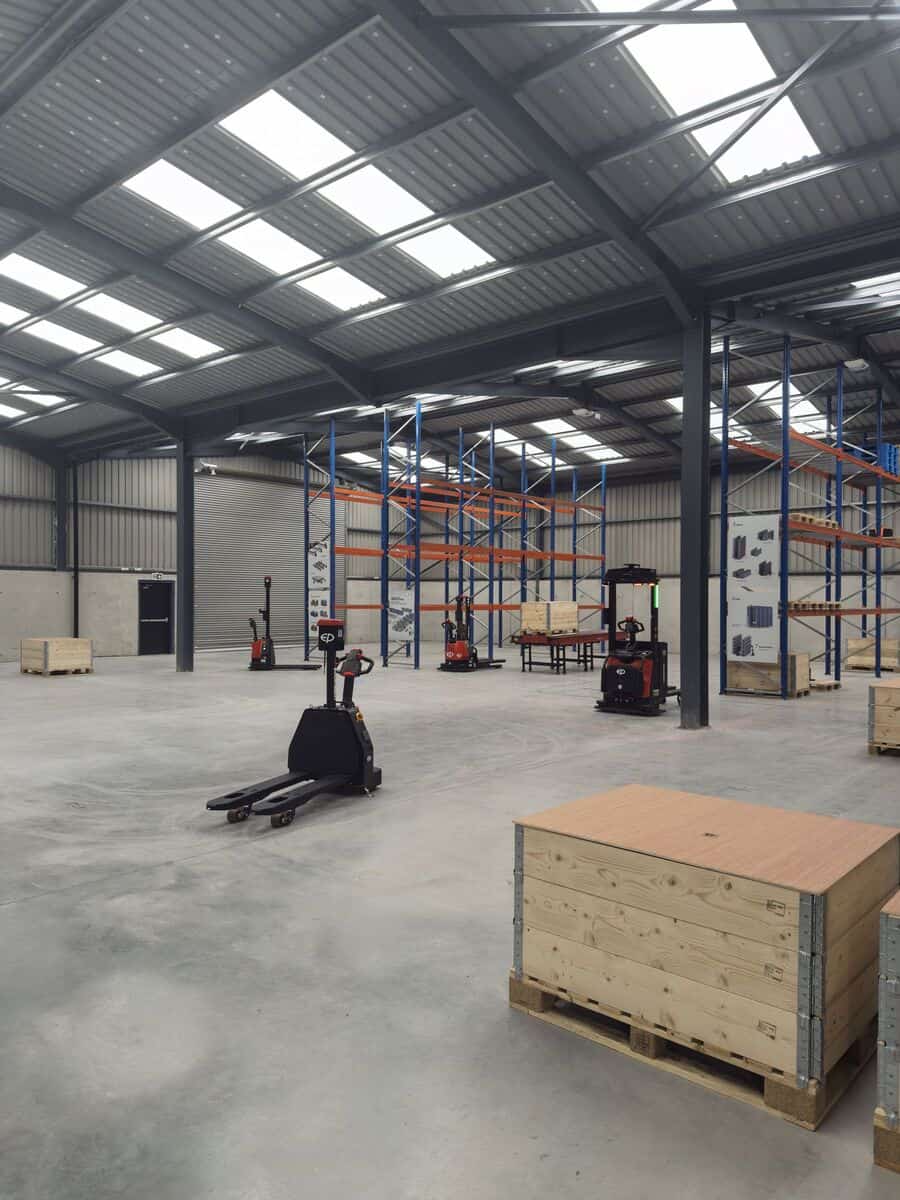
Step 2 of 7
Storage to production
The job
Raw materials and parts delivered from stores to each line, when they are needed.
How the robot does it
A fixed milk-run with stops at each line. A call box at the line calls the truck.
Machines we'd suggest
Production line feeding: see how we automate it →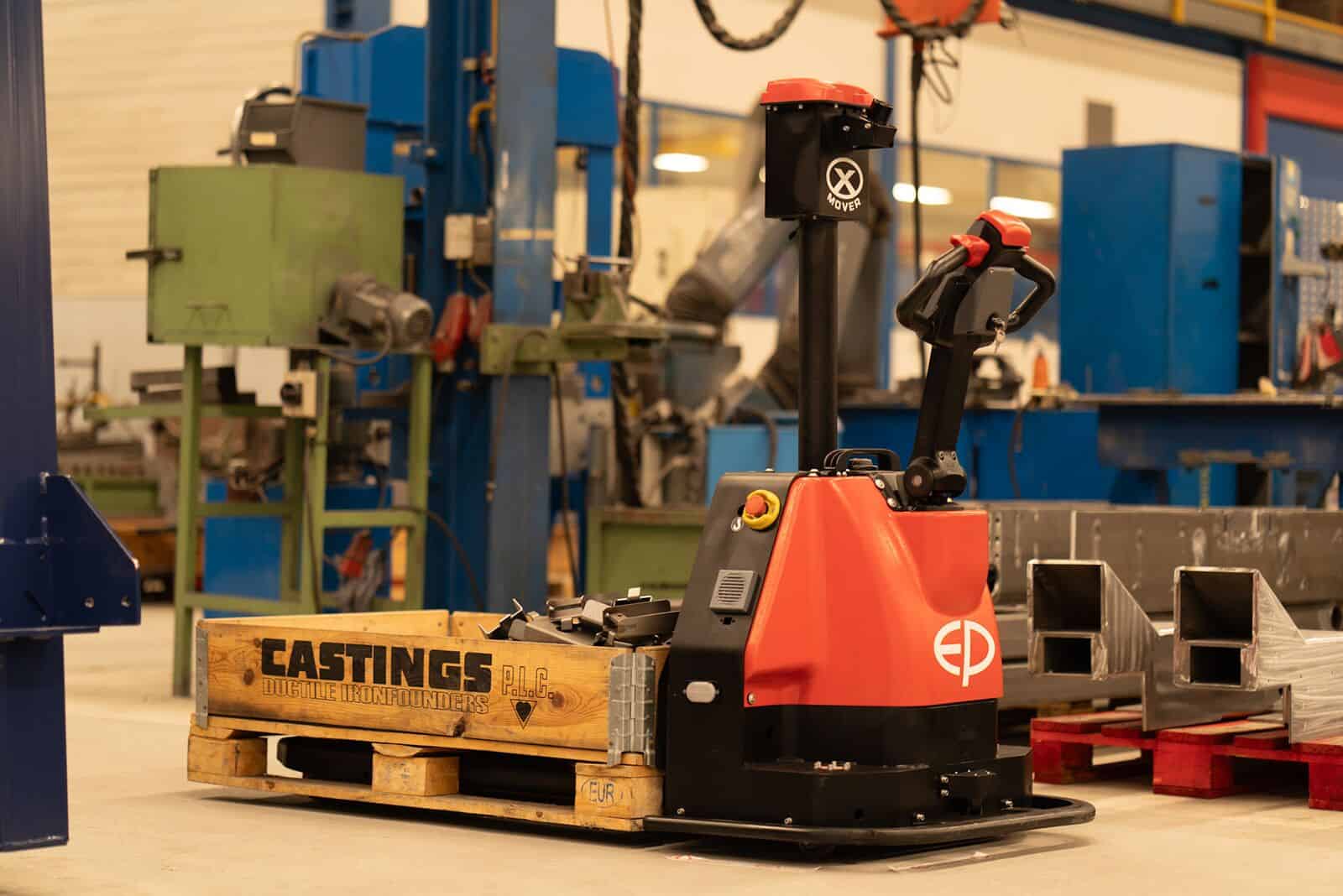
Step 3 of 7
Production flow
The job
Work in progress moved between machines, cells and halls.
How the robot does it
Short repeat loops; a keypad on the truck picks the next destination.
Machines we'd suggest
Production line feeding: see how we automate it →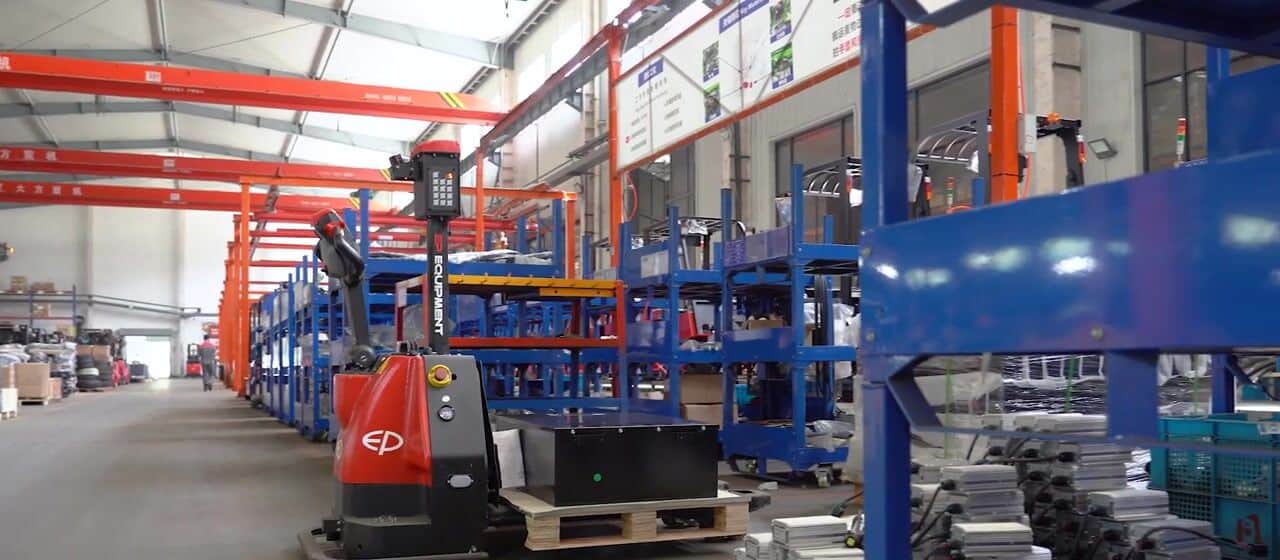
Step 4 of 7
Production to warehouse
The job
Finished pallets taken off the line to the warehouse or buffer.
How the robot does it
The robot collects at the end of the line and drops in the buffer, around the clock with a spare battery.
Machines we'd suggest
End of line: see how we automate it →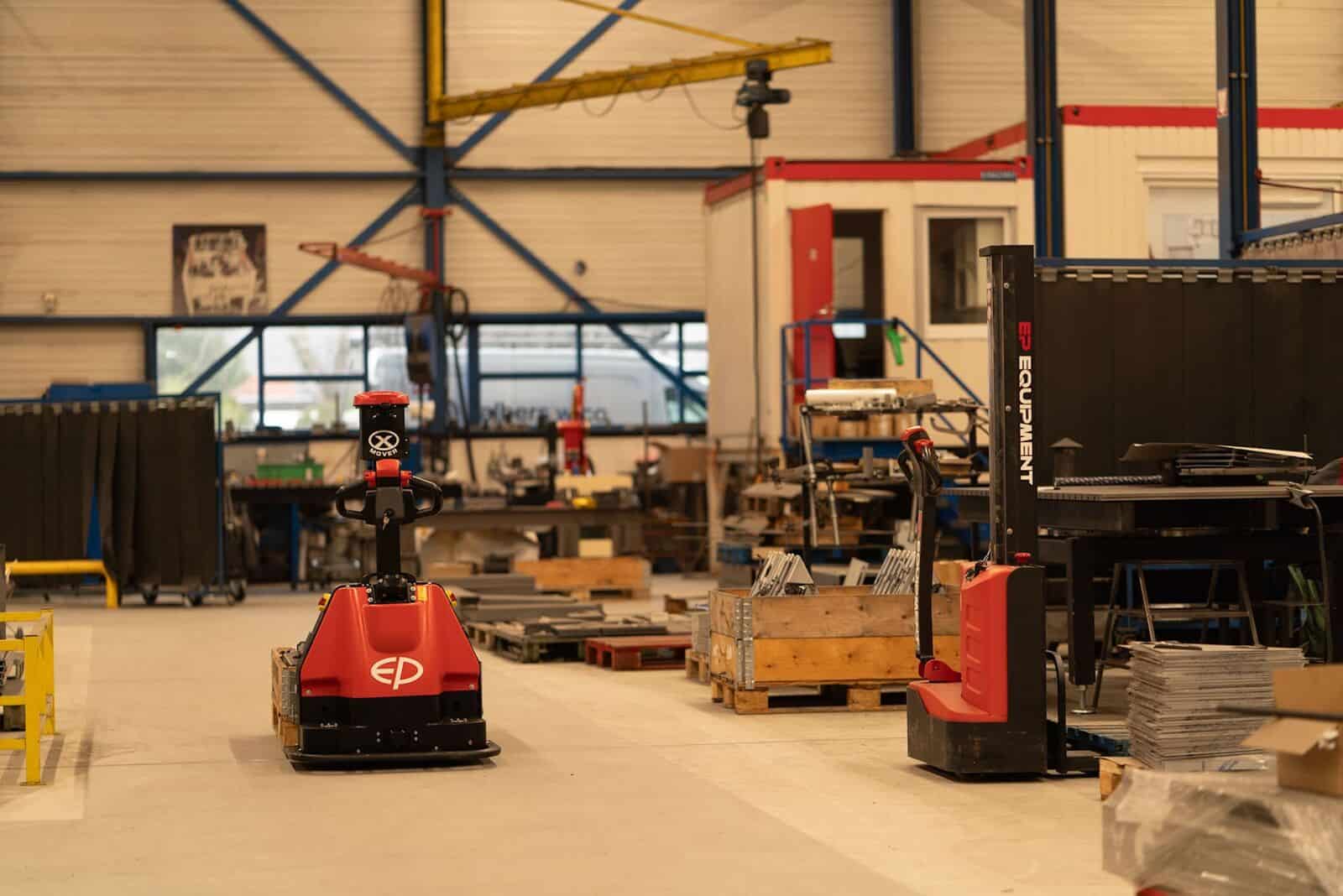
Step 5 of 7
Palletiser, wrapper & roller bed
The job
Pallets between palletiser, wrapper, roller beds and sorters.
How the robot does it
The XPMM lifts to 1 m to load and unload roller beds and conveyors.
Machines we'd suggest
End of line: see how we automate it →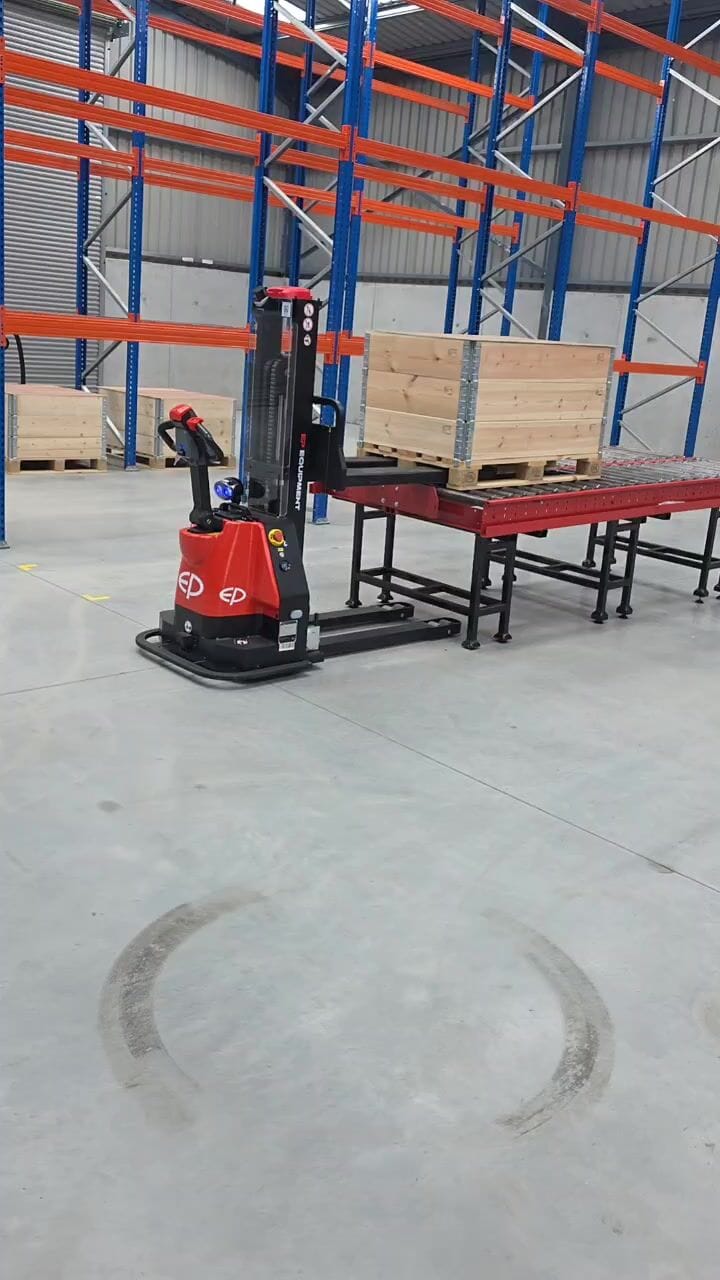
Step 6 of 7
Dispatch & cross-docking
The job
Pallets staged in outbound lanes, or straight from inbound to outbound doors.
How the robot does it
Long-run robots carry two pallets per trip; destinations by keypad or from your WMS.
Machines we'd suggest
Dispatch & cross-docking: see how we automate it →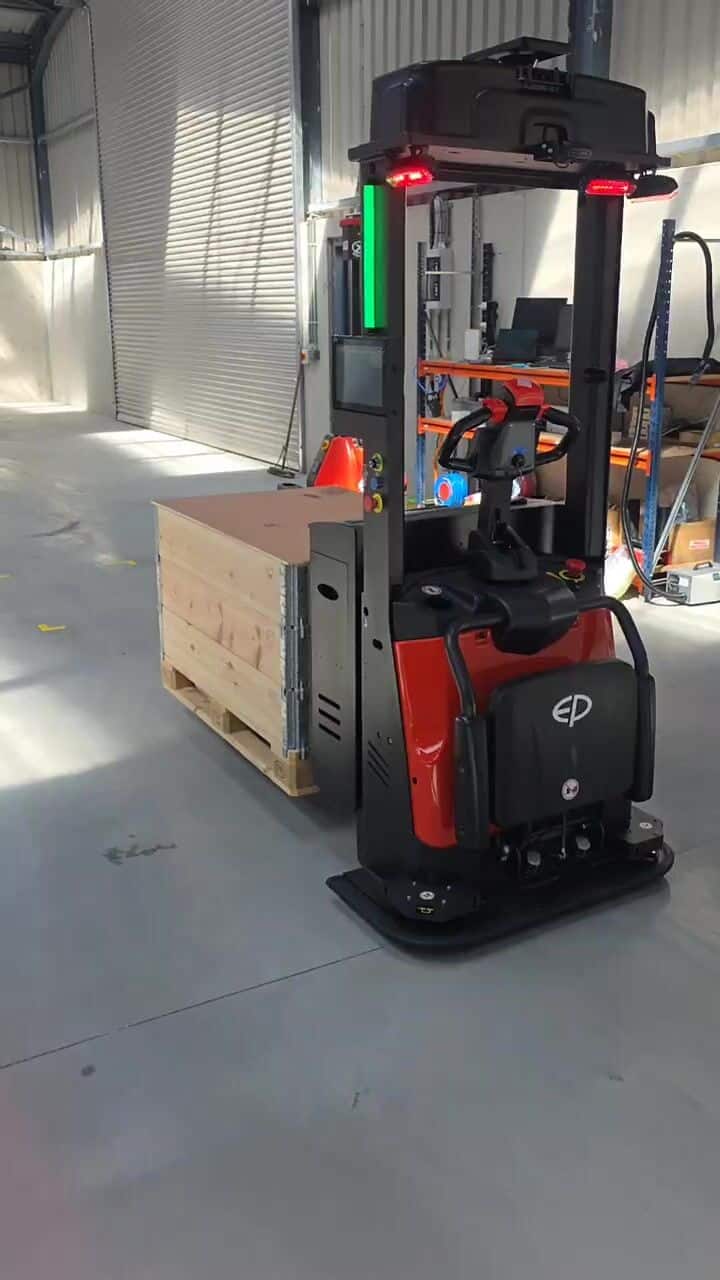
Step 7 of 7
Waste & empty pallets
The job
Empties, packaging and waste cages cleared to the stack, baler or compactor.
How the robot does it
A simple loop all shift. The easiest first project.
Machines we'd suggest
Waste & empty pallets: see how we automate it →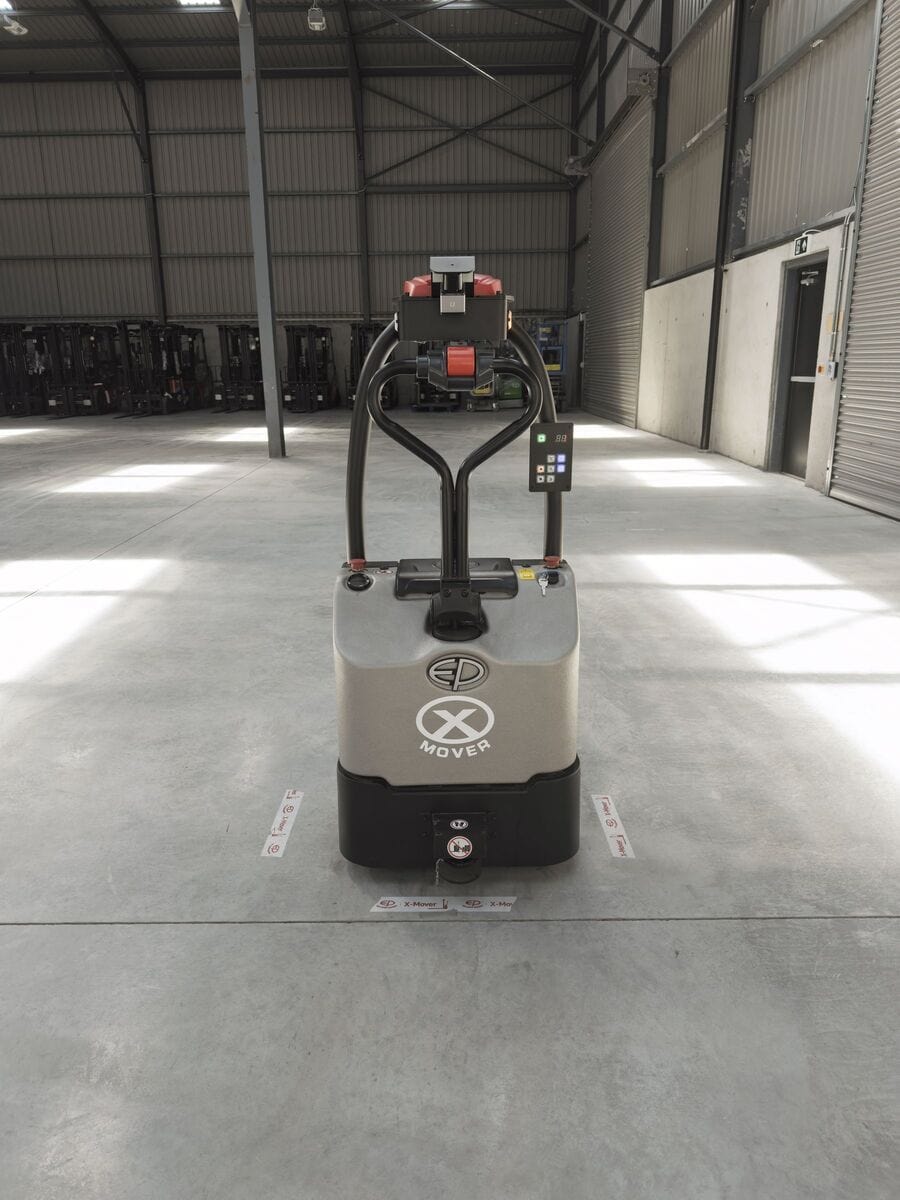
Questions we get asked
Do AGVs need floor tape or magnets?
Some do, but EP's don't. The XP15 uses reflectors on the ceiling, the EXP15 uses visual navigation, and EP's autonomous models use SLAM with no markers at all.
What standards apply to driverless trucks?
Driverless industrial trucks are machinery, so they carry CE marking in the EU and UK. The main safety standard for them is ISO 3691-4 (EN ISO 3691-4 in Europe). Ask us for the declaration of conformity for any model.
Can I change the routes myself?
Yes. Level 1 trucks are taught by your key users, and we train them during installation. For bigger changes we can do it on site or remotely.
What happens if the robot gets blocked?
It slows, stops and waits for the path to clear. Autonomous models can plan a route around the obstacle.
See it working in Navan
Book a free demo in our automation centre, or ask us to look at your site. We'll show you which routes are worth automating and what it would cost, with no obligation.
ROI 01 5267 411 · NI 028 3833 7038 · Mon to Fri, 8:30am to 5pm
Book a demo
Leave your details and we'll call to arrange a demo in our Navan automation centre, or a visit to your site.
Thanks, we've got your request
One of the automation team will call you, usually within a few hours during business hours (Mon to Fri, 8:30am to 5pm).
Prefer to chat? Message us on WhatsApp